Business email on your own domain: why it sometimes lands in spam (and what it takes to get delivered)
Quotes landing in spam, software emails that never arrive, mailboxes scattered across three different providers. What's behind company email, explained without jargon, and why I now handle it directly.
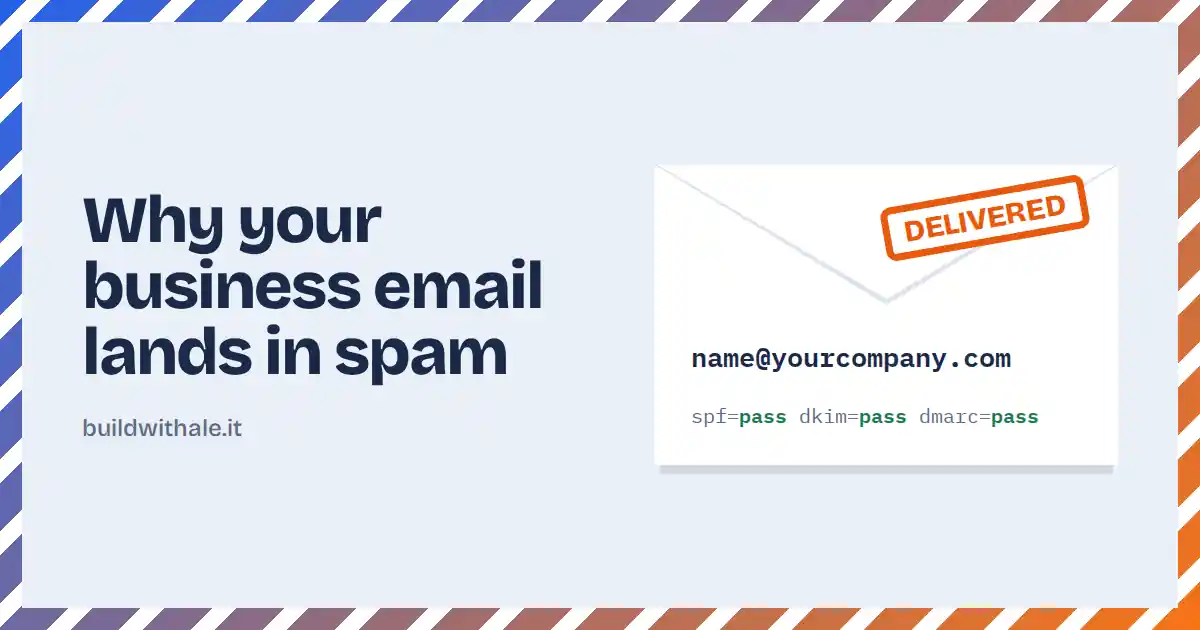


You send an important quote. The client never replies. A week later you call them and find out your email landed in spam, or never arrived at all.
Or: your management software sends order confirmations, password resets, notifications. Everything works, except that some of your customers never see those emails. And nobody notices until someone complains.
These problems are more common than they seem, and they almost always share the same root: the company email was set up years ago, "as it came", and nobody has looked at it since.
Having a mailbox doesn't mean your emails get delivered
When you send an email, the receiving server (Gmail, Outlook, your client's provider) asks a very simple question: does this message really come from who it claims to be?
If it can't verify that, the message loses points. Lose too many, and it ends up in spam or gets rejected. It doesn't matter how legitimate the content is: what counts is whether the sender can be recognised as trustworthy.
In recent years the major providers have raised the bar considerably. Since 2024, Google and Yahoo require senders to properly authenticate their emails, and Microsoft has moved in the same direction. Setups that used to be "good enough" no longer are.
SPF, DKIM and DMARC, without the jargon
These are three acronyms you'll hear from anyone who deals with email. You don't need to know how to configure them, but it's useful to know what they're for.
SPF is the guest list. It tells the world which servers are allowed to send email on behalf of your domain. If a message comes from a server that isn't on the list, it's suspicious.
DKIM is the signature on the envelope. Every email is digitally signed, so the recipient can check that it really came from you and that nobody altered it along the way.
DMARC is the house rule. It tells providers what to do when a message fails the previous checks: let it through, send it to spam or reject it. It's also what makes it much harder for a scammer to send emails pretending to be your company.
If even one of these three is missing or misconfigured, your emails start at a disadvantage. Often nobody tells you: they simply arrive less.
Emails sent by your software are a special case
There's a difference that often gets overlooked: the emails you write and the emails your software sends are not the same thing.
A management system, an app or an e-commerce store sends automatic messages: confirmations, receipts, notifications, login codes. These are emails that must arrive, because the customer is waiting for them. If a password reset lands in spam, for that customer your software is simply broken.
That's why an application's email should be set up with the same care as the application itself. And when there's more than one project, each should have its own sending domain: if one service has a problem and its reputation drops, the others aren't affected.
The problem with scattered mailboxes
The other classic scenario is fragmentation. The domain with one provider, the email with a second, the website with a third, the management software with a fourth. Each with its own credentials, its own dashboard, its own support.
As long as everything works, nobody notices. When something breaks, the blame game begins: it's the DNS, no it's the mail server, no it's the application. And meanwhile, the emails aren't arriving.
Having a single point of contact who knows both the software and the email that software relies on isn't a luxury: it's the fastest way to fix problems when they happen.
From today, I handle email too
For exactly these reasons I've set up my own dedicated mail server, separate from the infrastructure that runs websites and applications. I got there from a concrete need: I wanted the emails from the software I build to arrive, always, and I wanted to be able to guarantee that to my clients as well.
In practice, here's what it includes:
Mailboxes on your domain. info@, name@, accounts@: as many as you need, with webmail and automatic setup on your phone, Outlook or Apple Mail.
Full authentication. SPF, DKIM and DMARC configured and verified before your mailboxes are handed over, not "later on".
Email for your applications. Dedicated sending addresses for management systems, apps and e-commerce, with a separate domain for each project when it makes sense.
Spam filtering and backups. Active spam filtering and automatic encrypted backups every night, also stored outside the server.
Migration. If you already have mailboxes with another provider, we move them together with a planned switchover, without losing your existing email.
When switching doesn't make sense
It's worth being honest here too. If your company already works inside Google Workspace or Microsoft 365, uses that ecosystem's shared documents, calendars and video calls every day, and your email works well, there's no reason to move.
The service makes the most sense when your email was set up a long time ago and nobody quite knows how anymore, when you have software that sends emails and you want to be sure they arrive, or when you want a single point of contact for website, application and email.
Not sure whether your company email is set up correctly? Send me your domain: I'll check SPF, DKIM and DMARC and tell you clearly what's there and what's missing. Even if you then decide to stay where you are.